- Tracks and instruments
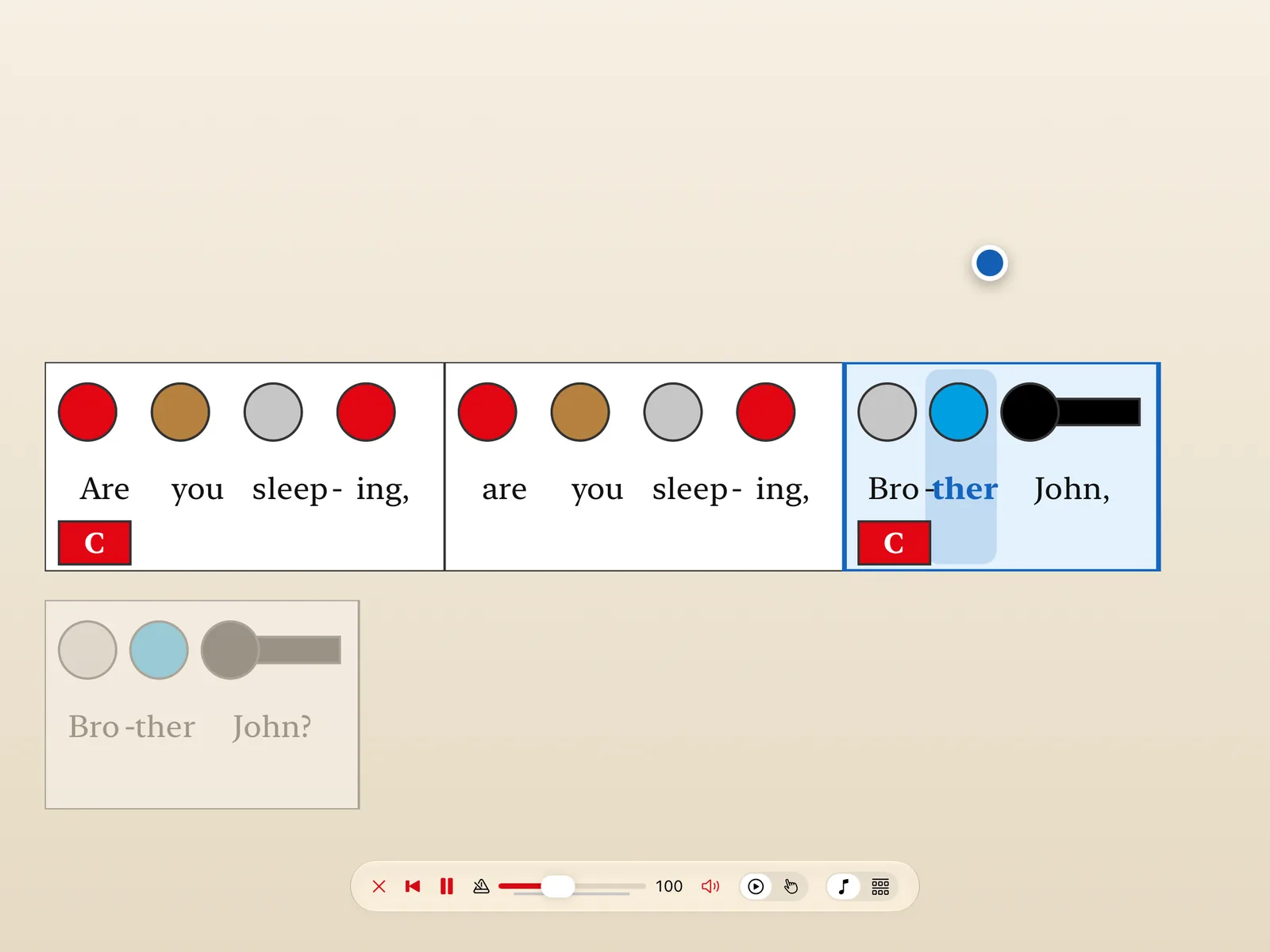
- Add tracks to a song and choose an instrument and volume for each. Mute a track or listen to it solo, and print the full score or each part on its own.
- Drums
- Drums are written with ordinary Figurenotes stickers, as in the Figurenotes method book. A ready-made drum groove plays along, and drums also come in from MIDI and MusicXML files.
- MIDI keyboard and recordingPro, Requires Pro
- USB or Bluetooth. Enter notes one at a time or record your playing with a count-in and metronome. With a split keyboard, the left hand plays the chords and the right hand the melody.
- Basic and All levels
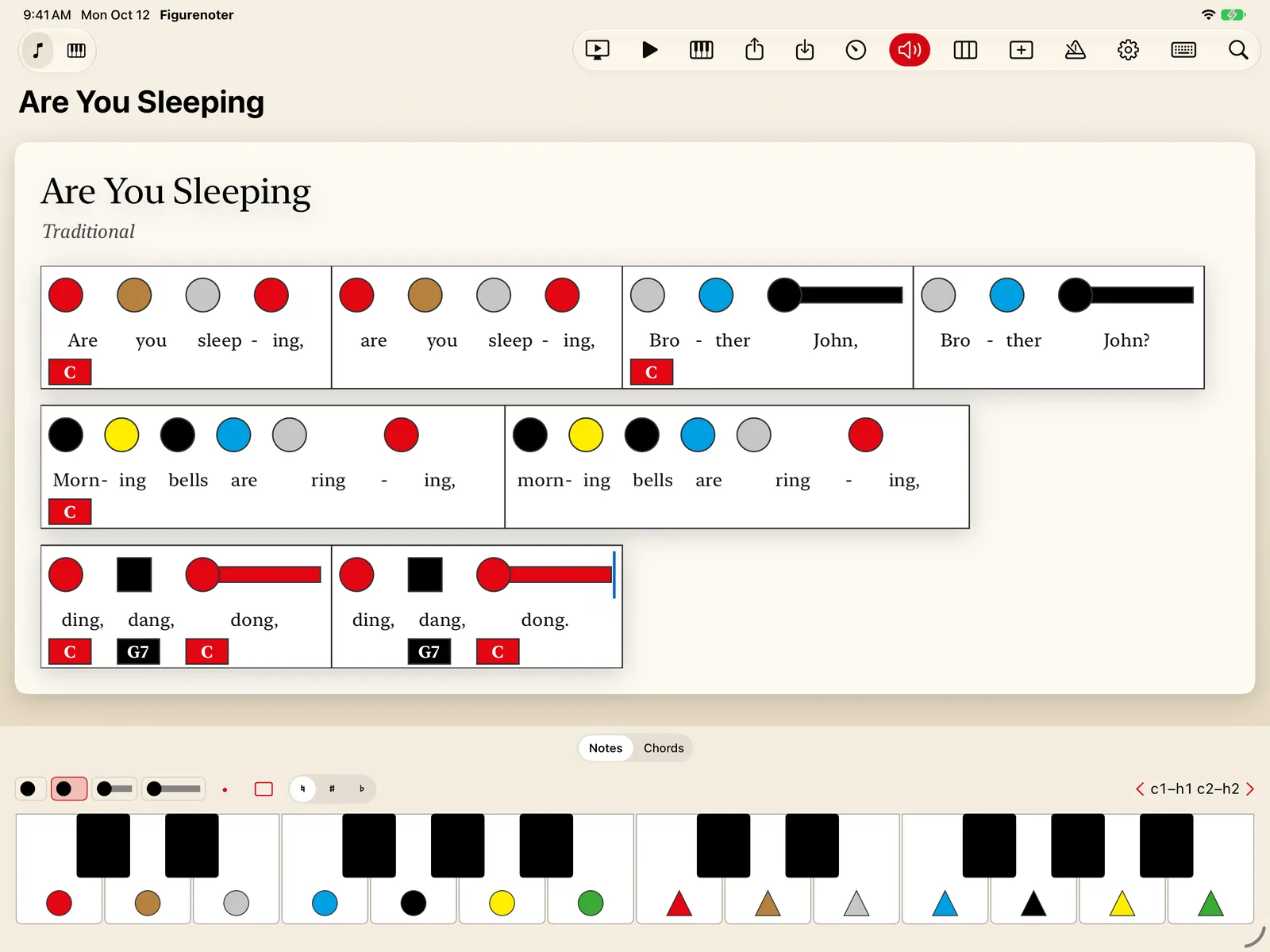
- The Basic level shows only the tools you need to make Figurenotes. The All level brings out tracks, repeats and other advanced features.
- Chords from audioPro, Requires Pro
- Recognize a song’s chords from an audio file or the microphone. Recognition happens on the device, and the audio never leaves it.
- Printing and PDFPro, Requires Pro
- A4 printouts with the content you choose, plus an optional keyboard guide for placing the stickers.
- One file everywhere
- A song opens on iPad, Android tablets, Mac and Windows. Make it at home, play it at school.
- Works offline
- Writing, playing and printing work without an internet connection.
- English and Finnish
- Plus dark mode and keyboard shortcuts: notes with letters, lengths with numbers.